
AI Product Photoshoot
Studio product photos from the photo on your phone
Upload one picture of your product or paste an image link, choose a mood, and get four professional styles ready for your store, ads and social posts.
Free plan available · No credit card needed · Cancel anytime
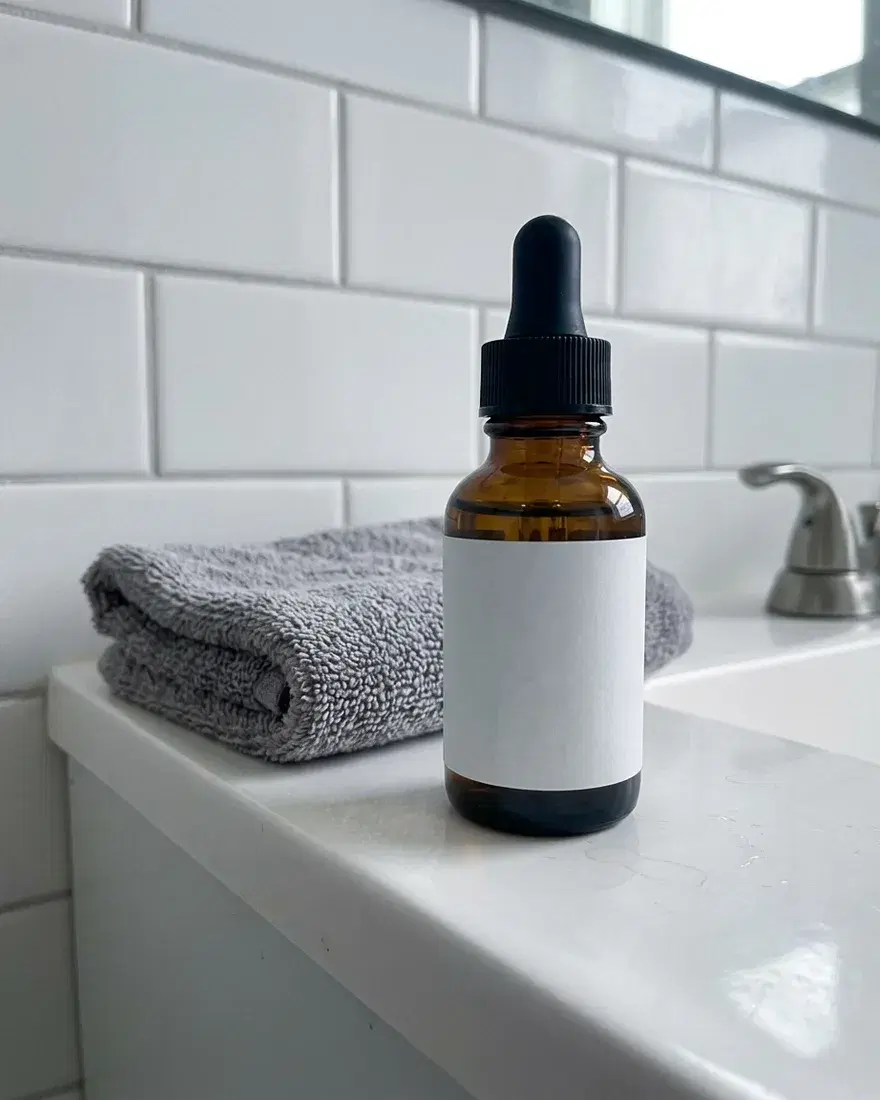
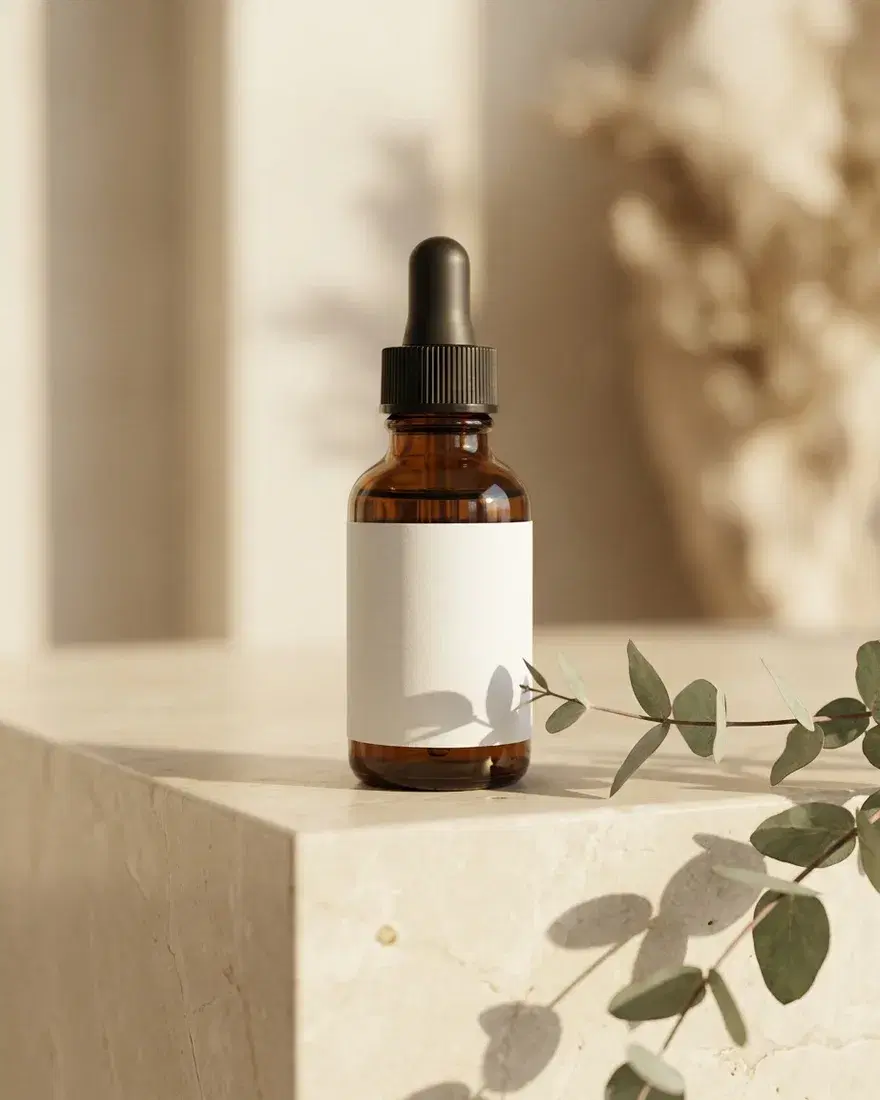
What you can make
Four styles in one run
Every run returns natural lifestyle, minimalist studio, bold and creative versions of your product.
15 moods to choose from
From bright and airy or dark and moody to flat lay, luxurious, neon and seasonal.
Sized for every channel
Square, Instagram feed, landscape, Pinterest, story and cinematic sizes.
Start from a photo or a link
Upload a product photo, or paste a link to an image of it.
Keep editing
Take any result into AI Image to edit, upscale or remove its background.
Real results from AdFlex
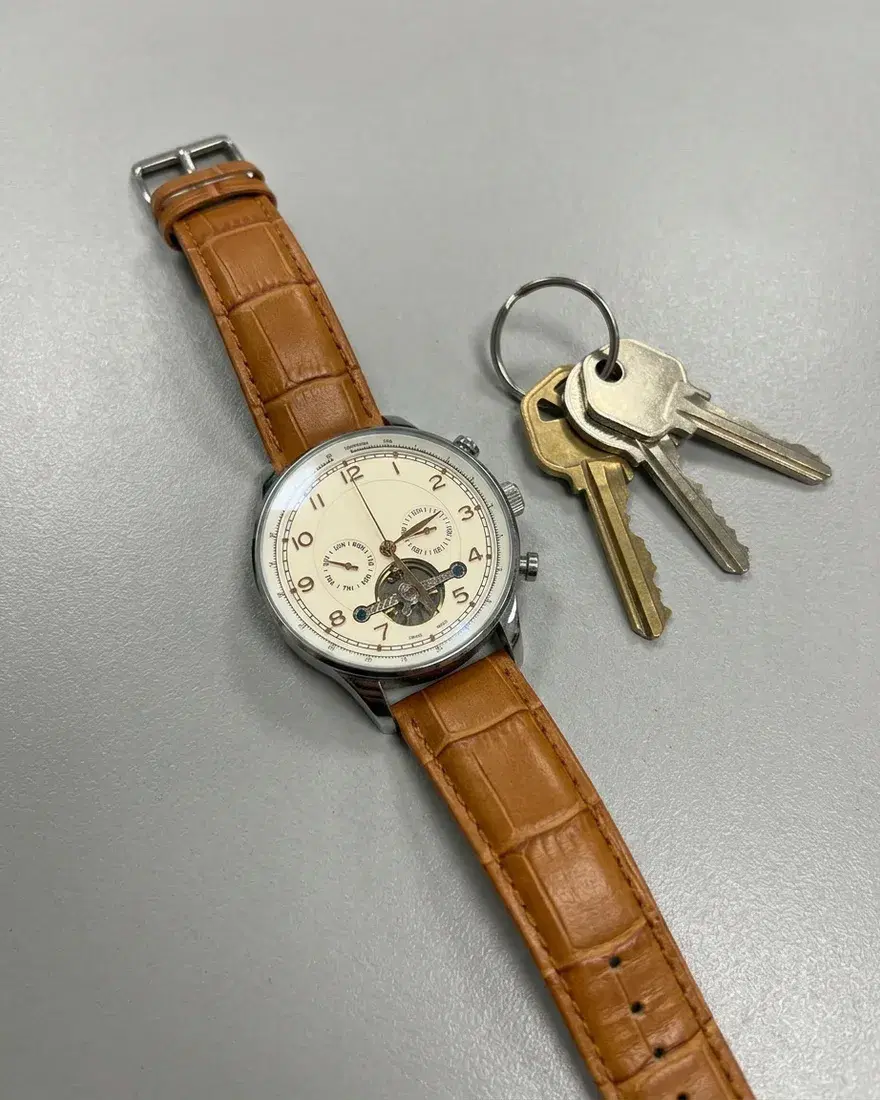
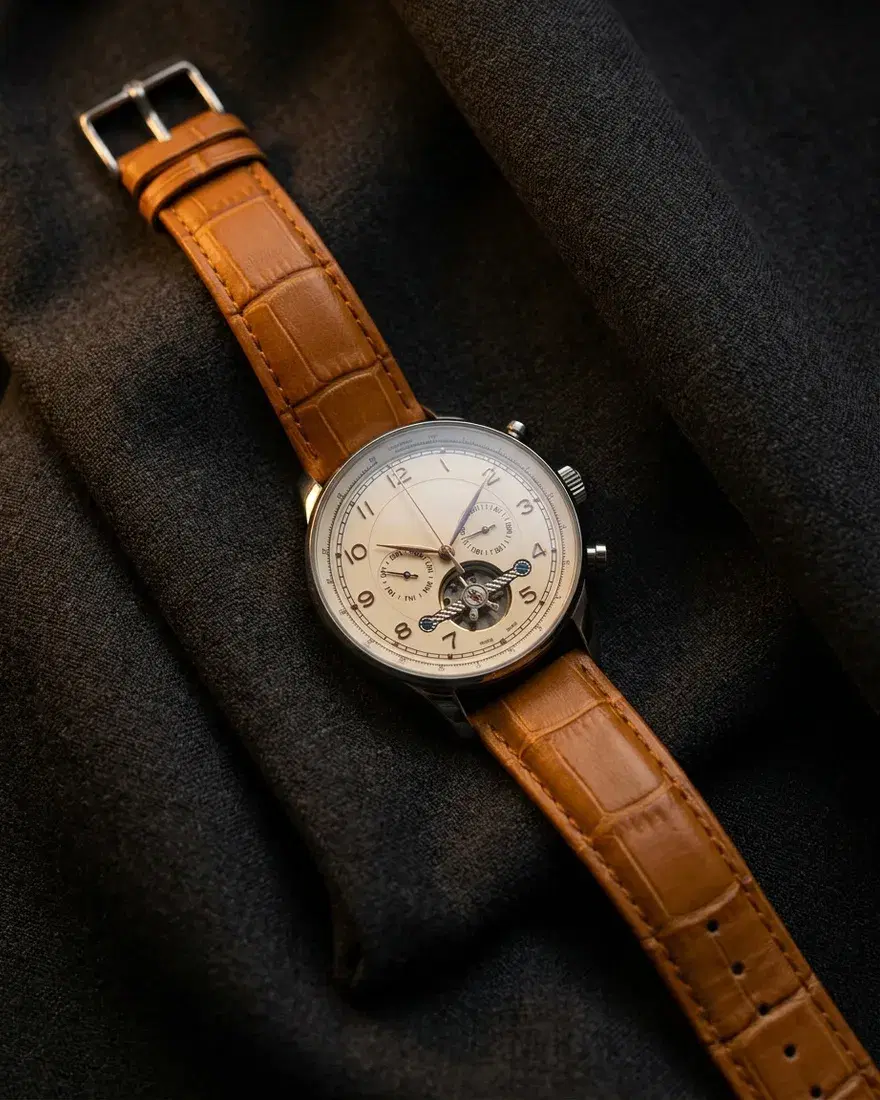
Each pair shows the phone photo that went in and the scene AdFlex made from it.
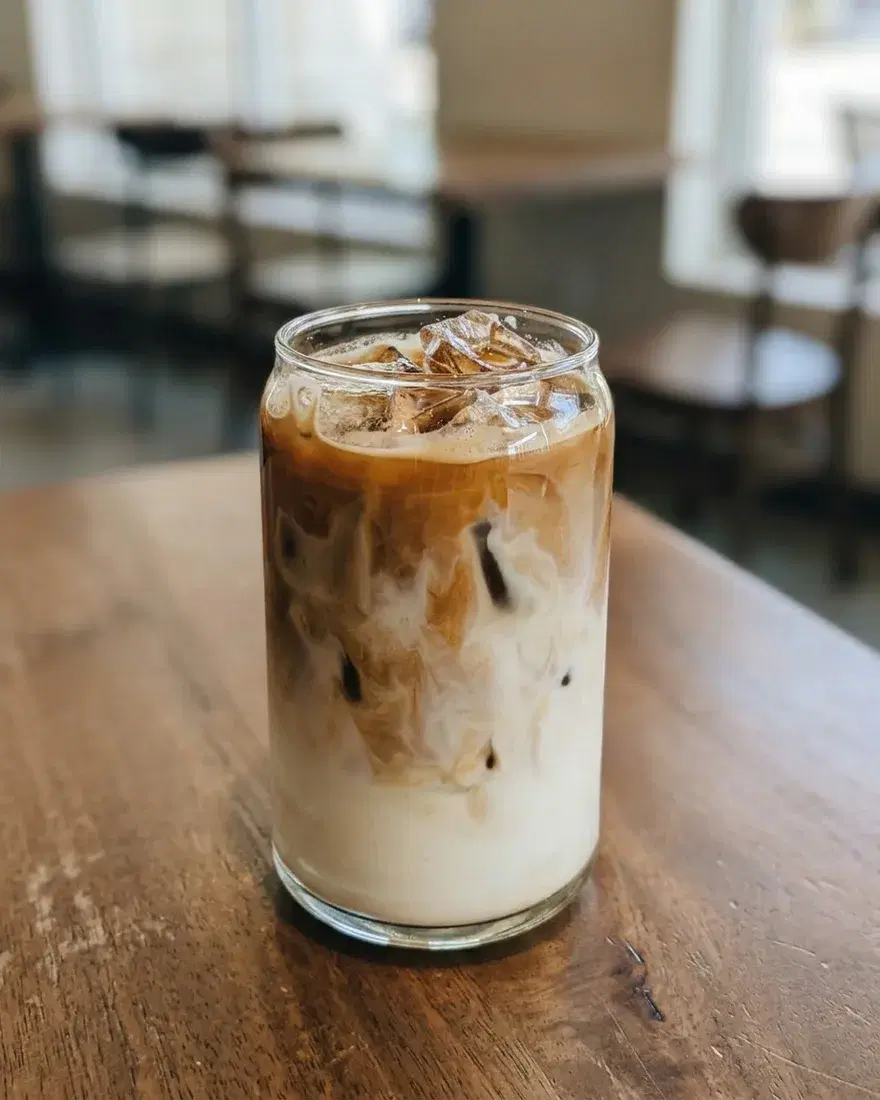
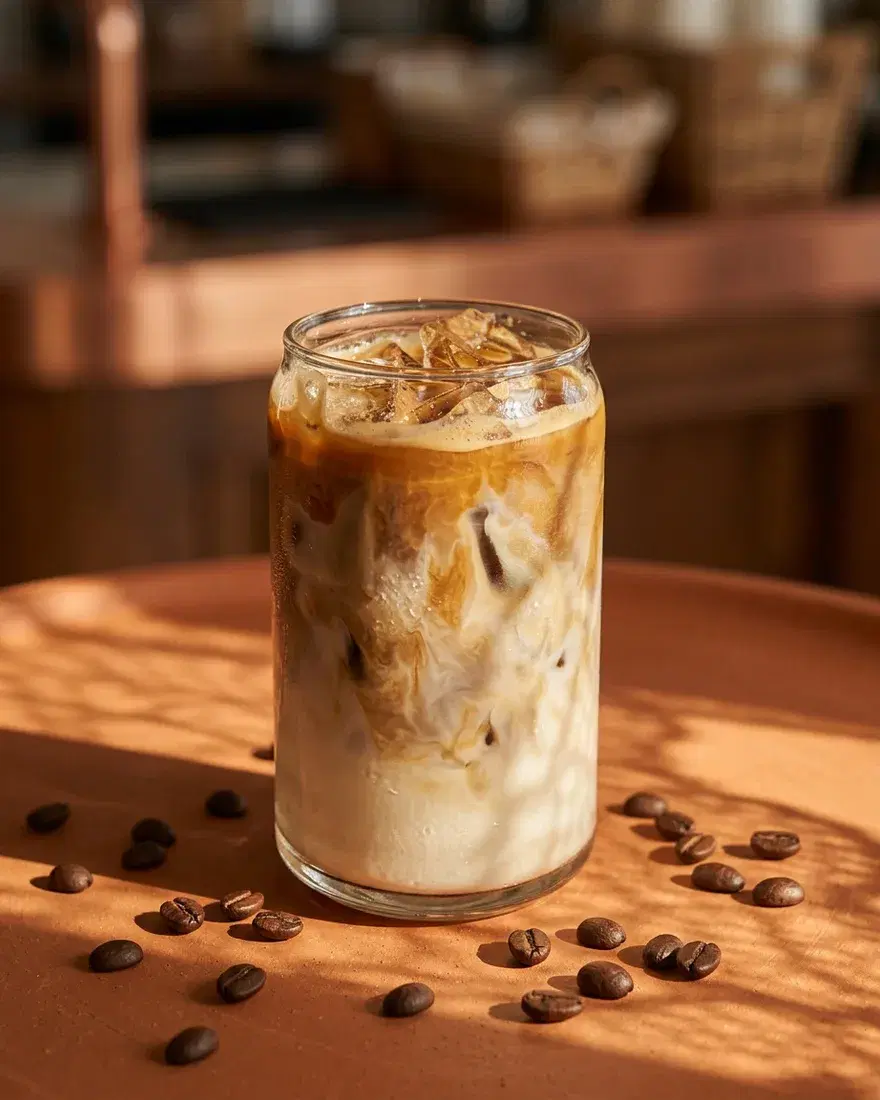
Every leading model in one place
This list is read live from the app, so it always matches the models you can use today.
41 models from 12 AI labs
- Nano Banana 2.1Google
- GPT Image 2.6 SunburstOpenAI
- GPT Image 2.6 FlareOpenAI
- Seedream 5.5ByteDance
- GPT Image 2.5 SunburstOpenAI
- Qwen Image 2.1 ProAlibaba
- GPT Image 2.5 FlareOpenAI
- Flux 3 Image KleinBlack Forest Labs
- Flux 3 Image Klein BaseBlack Forest Labs
- Flux 3 ImageBlack Forest Labs
- Seedream 5.0 ProByteDance
- Nano Banana ProGoogle
- GPT Image 2OpenAI
- Grok Imagine Image 2.0xAI
- Nano Banana 2Google
- Ideogram 4.5Ideogram
- Seedream 5.0 LiteByteDance
- Recraft V4 Styles ProRecraft
- Krea 2 MediumKrea
- Seedream 4.5ByteDance
- Flux 2 ProBlack Forest Labs
- Nano Banana 2 LiteGoogle
- Grok Imagine ImagexAI
- Krea 2 TurboKrea
- Ideogram 4.0 RemixIdeogram
- Ideogram 4.5 Precise EditIdeogram
- Ideogram 4.0Ideogram
- Recraft V4 StylesRecraft
- Seedream 5.0 FlashByteDance
- Qwen Image 2.1 TurboAlibaba
- Flux 2 DevBlack Forest Labs
- Flux 2 FlexBlack Forest Labs
- Z-Image TurboAlibaba
- Nano BananaGoogle
- Flux Kontext ProBlack Forest Labs
- Flux Kontext Pro Multi-ImageBlack Forest Labs
- Flux SchnellBlack Forest Labs
- SeeDream 4ByteDance
- P-Image UpscalePruna AI
- Topaz Labs Wonder 3.5Topaz Labs
- Remove BackgroundBiRefNet
How it works
Add your product
Upload a clear photo of the product, or paste a link to one.
Choose the look
Pick a mood and a size, and add a short note if you want a specific scene.
Get four styles
See the credit price first, then download the styles you like.
Questions and answers
Is the AdFlex product photoshoot free?
You can start on the free plan, which includes monthly credits and needs no credit card. Each run uses credits, and the app shows the price before you generate. The pricing page compares the plans.
What kind of photo should I upload?
A clear, well-lit photo of the product on its own works best. A phone photo is enough.
How many photos do I get?
Each run makes four styles: natural lifestyle, modern minimalist studio, dynamic and bold, and creative and artistic.
Which sizes can I make?
Square (1:1), Instagram feed (4:5), standard (4:3), landscape (16:9), Pinterest (2:3), story (9:16) and cinematic (21:9).
Can I use the photos in my store and ads?
The photos are made for product pages, ads and social posts. The license page explains how you can use what you create.
More AdFlex tools
AI Image Generator
Create images from a prompt or edit your photos with the leading AI image models. Upscale, remove backgrounds and make ad-ready visuals.
AI Video Generator
Turn text or images into video, edit your footage, add lip sync and upscale clips with the latest AI video models, in English or Arabic.
AI Storyboard Generator
Turn a script and a product photo into a storyboard of consistent scenes, then fix any frame and animate the scenes into video clips.
Start your product photoshoot
No studio, no photographer. Start on the free plan and see the price before you generate.
Start a photoshoot