
AI Image Generator
Create on-brand images from a sentence or a photo
Describe what you need or upload a reference, choose from the leading image models, and get visuals ready for ads, product pages and social posts.
Free plan available · No credit card needed · Cancel anytime
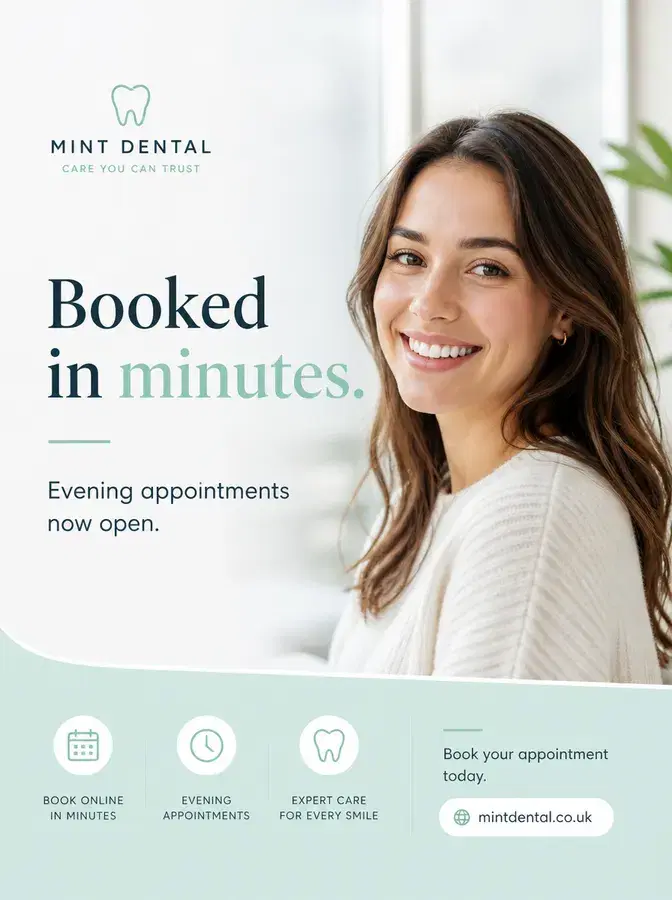
What you can make
Text to image
Write a prompt and get finished images, from product shots and posters to illustrations.
Image to image
Upload a photo and change its style, setting or details while keeping what matters.
On brand by default
Type @ in your prompt to use your brand's saved characters, places and props, so every image fits your brand.
Upscale
Enlarge images and sharpen detail for print, banners and large screens.
Remove background
Cut out any product or person and get a clean image on a transparent background.
Product photoshoot
Turn an everyday product photo into styled studio and lifestyle shots.
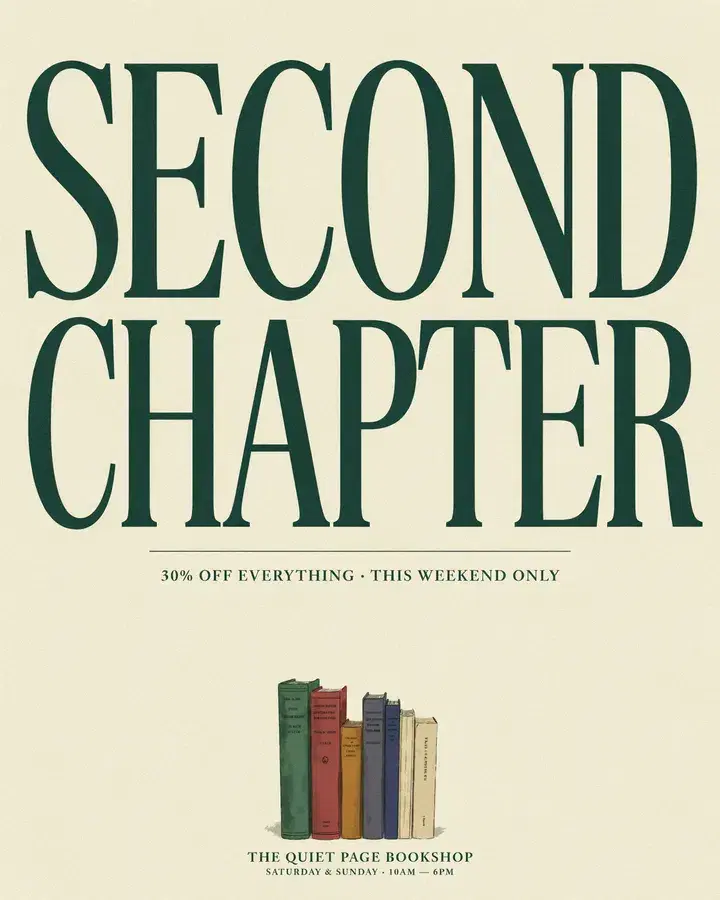
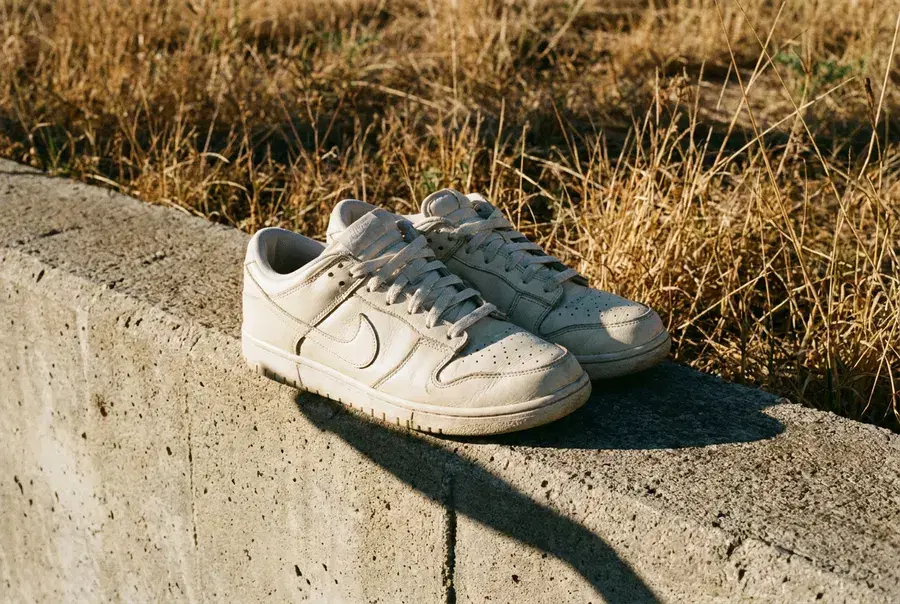
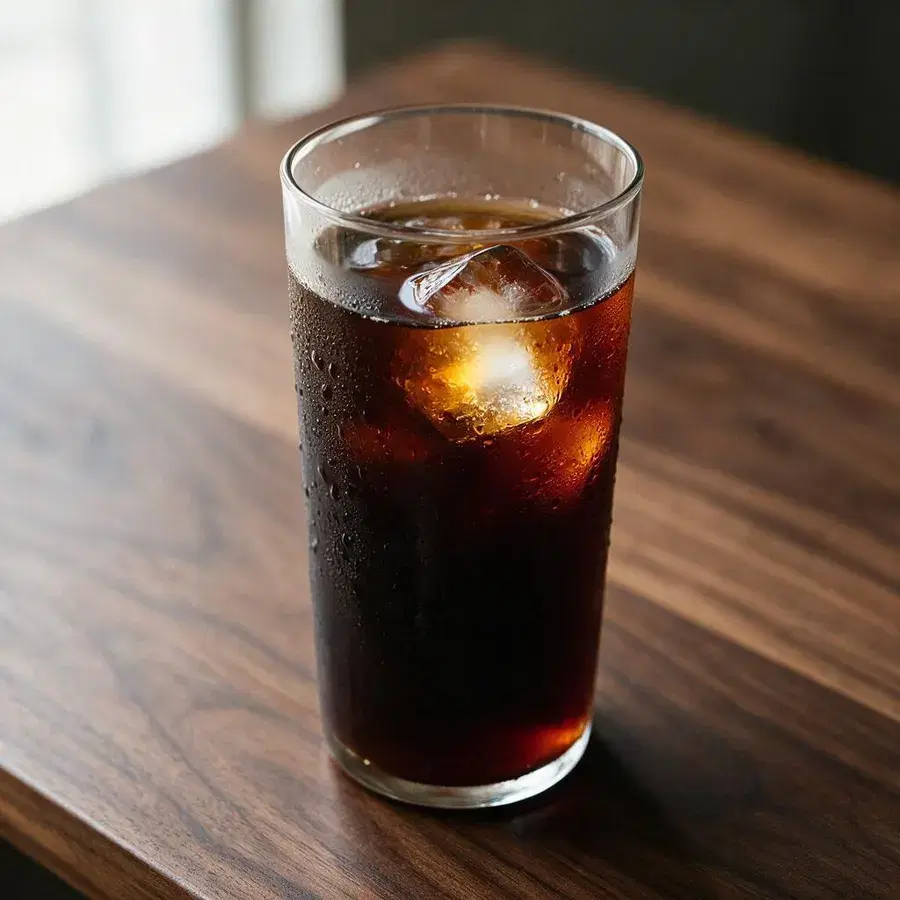
Real results from AdFlex
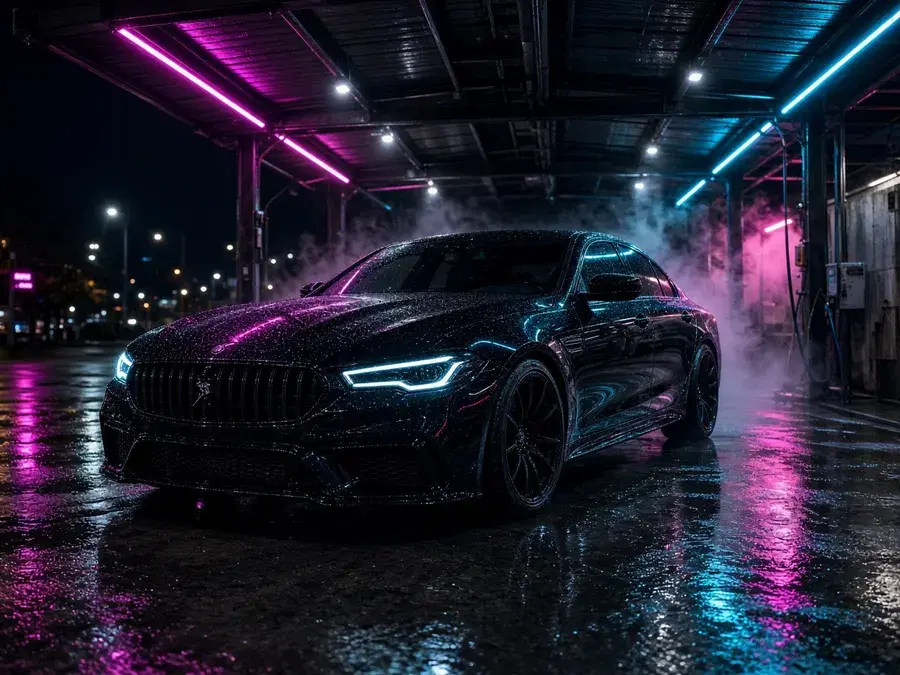
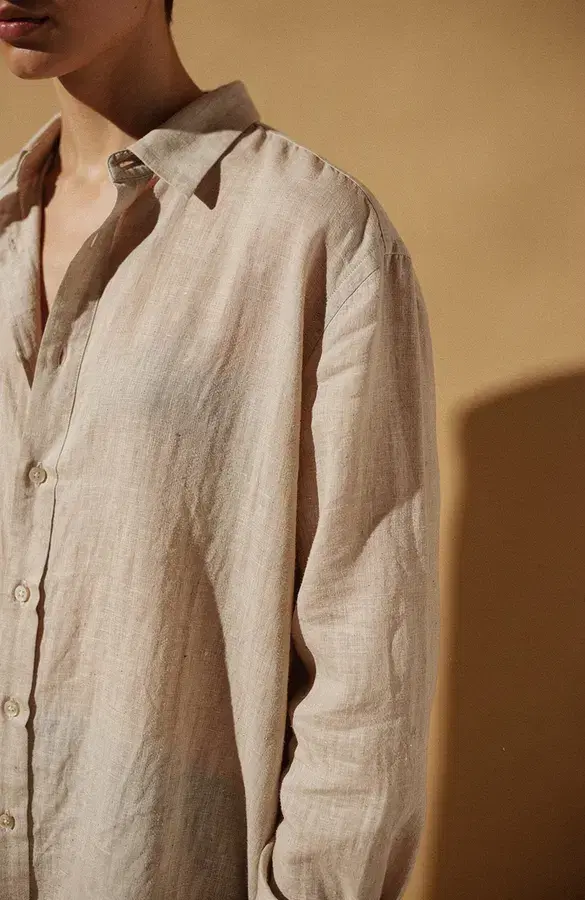
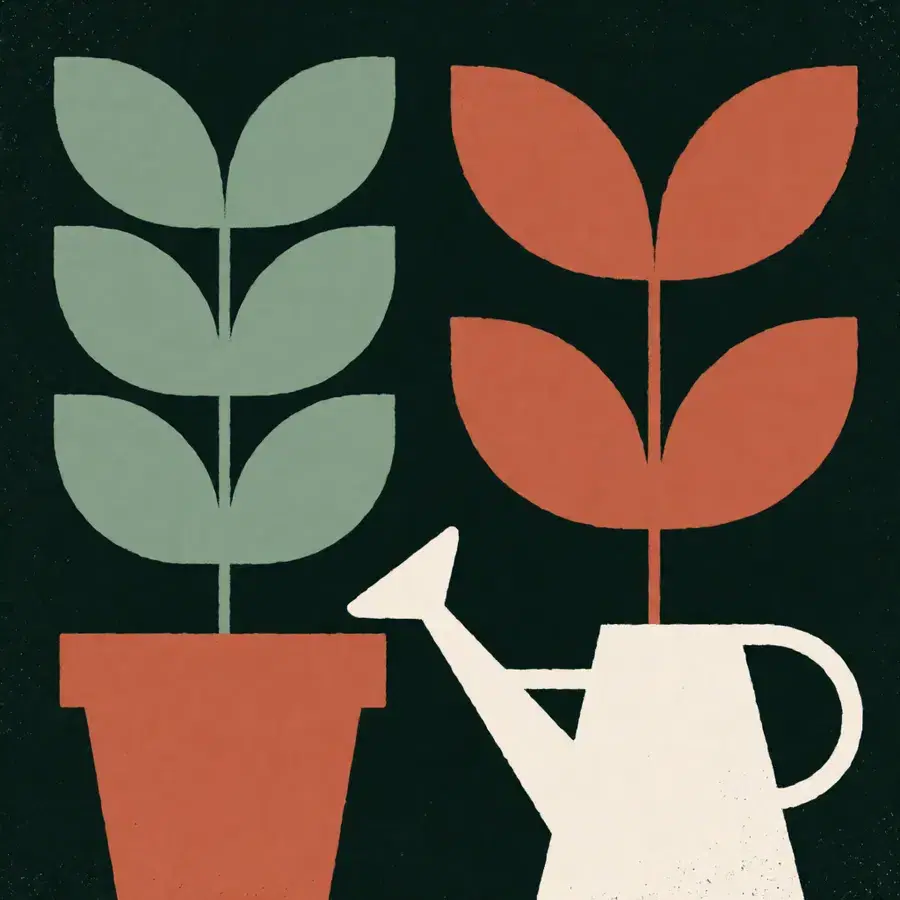
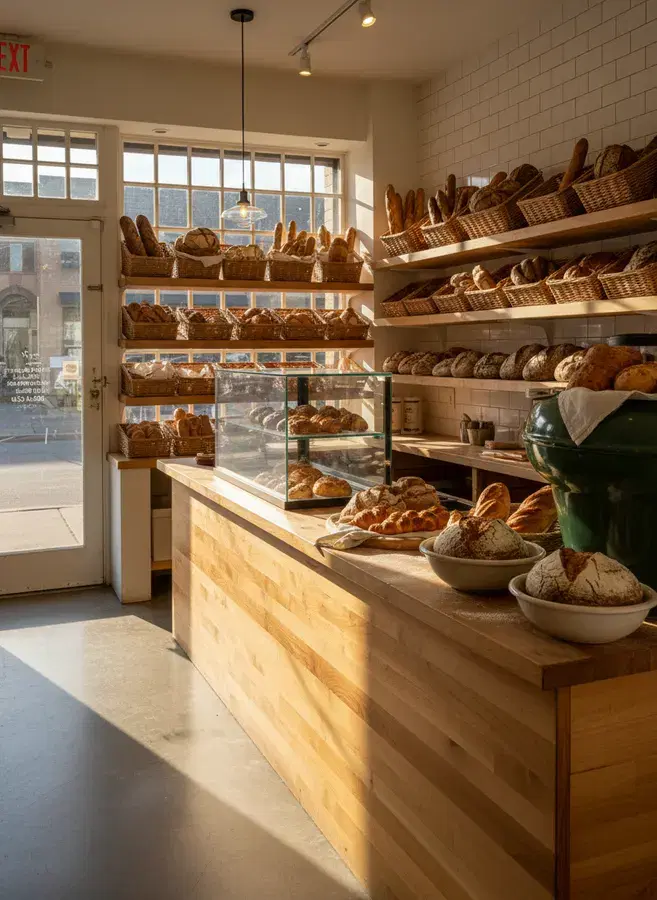
Every image below was made with a model you can use in the app, and names the model that made it.
Every leading model in one place
This list is read live from the app, so it always matches the models you can use today.
38 models from 12 AI labs
- Nano Banana 2.1Google
- GPT Image 2.5 SunburstOpenAI
- Qwen Image 2.1 ProAlibaba
- GPT Image 2.5 FlareOpenAI
- Flux 3 Image KleinBlack Forest Labs
- Flux 3 Image Klein BaseBlack Forest Labs
- Flux 3 ImageBlack Forest Labs
- Seedream 5.0 ProByteDance
- Nano Banana ProGoogle
- GPT Image 2OpenAI
- Grok Imagine Image 2.0xAI
- Nano Banana 2Google
- Ideogram 4.5Ideogram
- Seedream 5.0 LiteByteDance
- Recraft V4 Styles ProRecraft
- Krea 2 MediumKrea
- Seedream 4.5ByteDance
- Flux 2 ProBlack Forest Labs
- Nano Banana 2 LiteGoogle
- Grok Imagine ImagexAI
- Krea 2 TurboKrea
- Ideogram 4.0 RemixIdeogram
- Ideogram 4.5 Precise EditIdeogram
- Ideogram 4.0Ideogram
- Recraft V4 StylesRecraft
- Seedream 5.0 FlashByteDance
- Qwen Image 2.1 TurboAlibaba
- Flux 2 DevBlack Forest Labs
- Flux 2 FlexBlack Forest Labs
- Z-Image TurboAlibaba
- Nano BananaGoogle
- Flux Kontext ProBlack Forest Labs
- Flux Kontext Pro Multi-ImageBlack Forest Labs
- Flux SchnellBlack Forest Labs
- SeeDream 4ByteDance
- P-Image UpscalePruna AI
- Topaz Labs Wonder 3.5Topaz Labs
- Remove BackgroundBiRefNet
How it works
Pick a mode and a model
Start from text or from a photo, then choose the model that suits the job.
Describe the image
Write your prompt, add reference images, and set the size and quality.
Generate and refine
See the credit price before you generate, then upscale, edit or download the result.
Questions and answers
Is the AdFlex AI image generator free?
You can start on the free plan, which includes monthly credits and needs no credit card. Each image uses credits, and the app shows the price before you generate. The pricing page compares the plans.
Which AI image models can I use?
The models section on this page lists every image model available right now. It is read live from the app, so it never shows a model you cannot use.
Can I edit my own photos?
Yes. Use image to image to change the style, setting or details of a photo you upload, or upscale it to a higher resolution.
Can I keep my images consistent with my brand?
Yes. Save your brand's characters, places and props in Brand Center, then type @ in a prompt to use them in any image.
Does it work in Arabic?
Yes. The whole app works in English and Arabic, so you can create posts and ads for Arabic-speaking audiences.
Can I turn an image into a video?
Yes. Open AI Video and use image to video to animate any still, such as a product shot.
More AdFlex tools
AI Product Photoshoot
Turn an everyday product photo into studio and lifestyle shots for your store, ads and social media. Four styles per run and 15 moods.
AI Video Generator
Turn text or images into video, edit your footage, add lip sync and upscale clips with the latest AI video models, in English or Arabic.
AI Storyboard Generator
Turn a script and a product photo into a storyboard of consistent scenes, then fix any frame and animate the scenes into video clips.
Make your next image now
Start on the free plan and see the price of every image before you generate.
Create an image