Kling 2.6 Pro: The “Video + Audio” Upgrade Marketers Actually Need
Jan 13, 2026·4 min read
AI video is rapidly moving past the “silent clip” era. The next wave isn't just about better pixels; it's about generating a usable scene in one pass: stable visuals, cinematic motion, and audio that doesn’t feel like it was glued on as an afterthought.
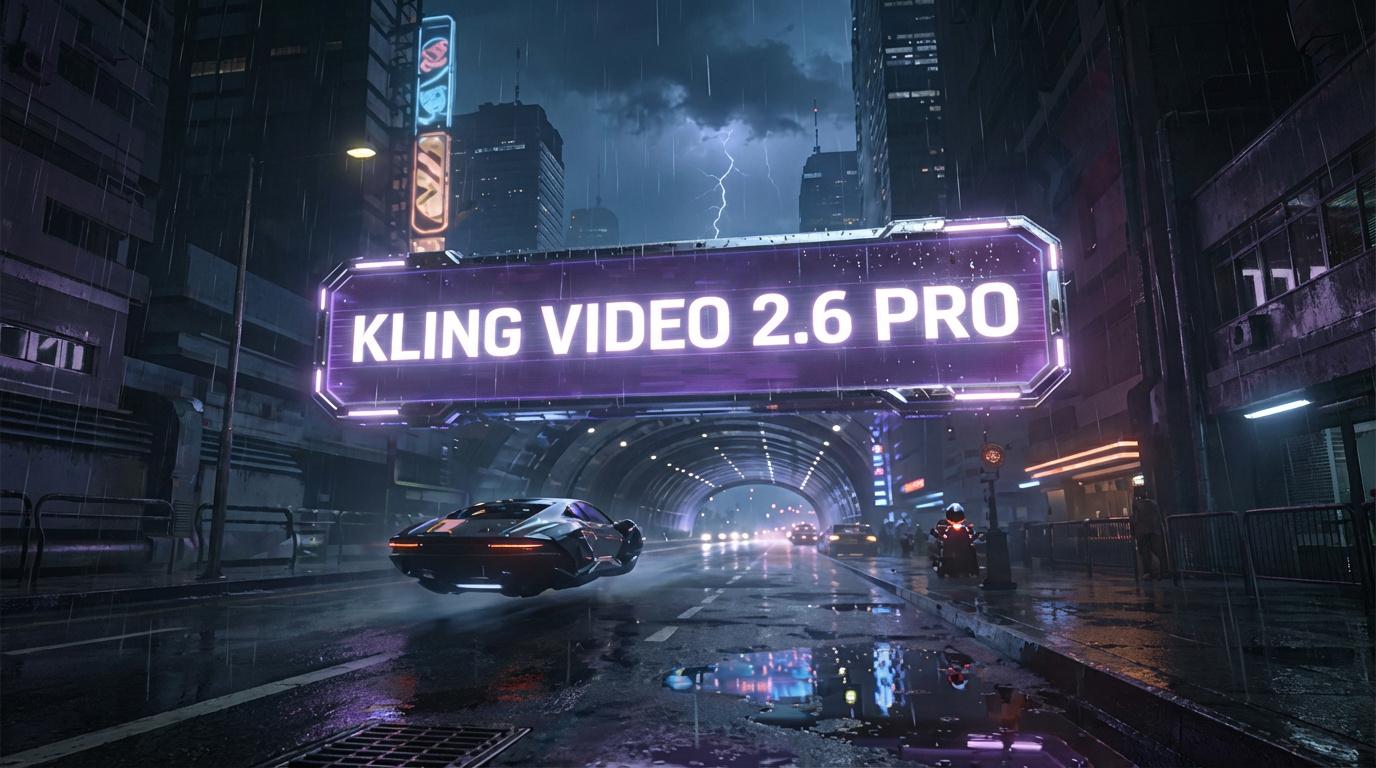
That’s exactly why Kling 2.6 Pro is capturing the industry's attention right now. It is positioned not just as a toy for hobbyists, but as a creator-ready model combining cinematic video generation with Native audio, fast enough for rapid iteration, yet strong enough for real campaign workflows.
Here is what makes it different, in practical terms.
What Makes Kling 2.6 Pro Different (In Practical Terms)
1.
Native
Audio: Speeding Up the Workflow
Kling 2.6 Pro supports Native audio (currently in English and Chinese), making the leap from "concept" to "watchable output" dramatically faster. Even if you plan to replace the sound in post-production, the immediate feedback loop is invaluable.
Why this matters for marketers:
Faster Creative Testing: You can judge pacing and "vibe" immediately.
Better Prototyping: Voice and motion together feel much closer to the final ad, perfect for UGC-style concepts.
Reduced Dependency: Less reliance on external sound design during the early iteration phases.
2. Cinematic 1080p: The Baseline for Social Performance
The model produces cinematic 1080p clips (supporting both text-to-video and image-to-video). For performance creatives, 1080p isn’t a luxury, it’s the baseline required to:
Avoid “AI Softness”: That blurry, dream-like quality that kills scroll-stopping impact.
Maximize Reuse: High-quality assets can be adapted across Reels, Shorts, TikTok, and Stories without degrading.
3. Stronger Control & Reliable Outputs
One of the standout claims regarding Kling 2.6 Pro is improved prompt adherence. This means the model follows direction more consistently, keeping character details and scene continuity steady. It translates creative intent with fewer "random surprises," allowing for more believable expressions and emotional nuance, critical for reaction shots and testimonial-style ads.
The “Pro” Angle: When is it the Right Choice?
If you only need quick "idea sketches" that won't leave the cutting room floor, lighter models may suffice. However, if your goal is publishable output, the Pro version is the strategic choice.
Use Kling 2.6 Pro when you need:
Product-First Ads: Where the item must stay consistent and readable.
Character-Driven Creatives: UGC, influencer-style hooks, or narrative-driven content.
Multi-Shot Concepts: Maintaining the same character and vibe across multiple variations.
Audio-Led Content: Content that relies on beat-synced pacing or voice-forward storytelling.
A Marketer’s Playbook: How to Get Clean Results Fast
Step 1: Write a One-Sentence “Ad Job”
Define the core purpose before writing the prompt.
Example: “Show a premium skincare serum transforming dull skin into a glow, with a calm luxury tone and a confident voiceover.”
Step 2: Use a Structured Prompt
Don't guess; use a proven structure. Copy and paste this template:
Audio: (Voice tone + Ambience + Key sound moments)
Step 3: Start Simple, Then Escalate
Begin with subtle motion (hands, head turns, product rotation). Once the visual "look" is locked in, increase the complexity (walking, interactions, fast camera moves).
Step 4: Iterate Like a Tester, Not a Filmmaker
Your goal is performance, not perfection.
Change ONE variable per iteration (the hook, the angle, or the lighting).
Save your winners and "remix" them (e.g., same product, new opening).
Step 5: Pair with a Strong Hook & CTA
If your hook is weak, no AI model can save the ad.
Hook: “Why does this look like a TV commercial…?”
CTA: “Try it today.”
Common Pitfalls (And How to Fix Them)
❌ Pitfall: “Too Many Instructions”
✅ Fix: Prioritize. Decide what must not change (product identity, face), and keep the rest flexible.
❌ Pitfall: Unclear Camera Language
✅ Fix: Use one camera move per clip (e.g., only Dolly-in OR only Orbit). Do not stack complex moves.
❌ Pitfall: Audio Feels Generic
✅ Fix: Add two specific constraints: Voice Style (e.g., confident, warm) + Environment (e.g., quiet studio, street ambience).
Where This Fits Inside AdFlex (Our POV)
AdFlex is designed to reduce "tool-hopping" by consolidating design, content creation, and publishing into one integrated workflow.
On our roadmap, AdFlex’s AI Video module is defined around generating short marketing videos (up to ten seconds) customized to your brand, based on text, image, or product inputs.
When models like Kling 2.6 Pro raise the baseline, offering native audio, stronger control, and cinematic realism, they don't just help creators; they directly improve the speed and quality of real marketing execution.
For us, the "Pro" designation isn’t just another update. It represents a practical shift toward outputs that feel close to production quality, especially because audio is part of the generation loop, not an afterthought.
If your workflow involves creative testing, paid social, or rapid iteration, this is exactly the kind of model upgrade that actually moves your results, not just your demos.